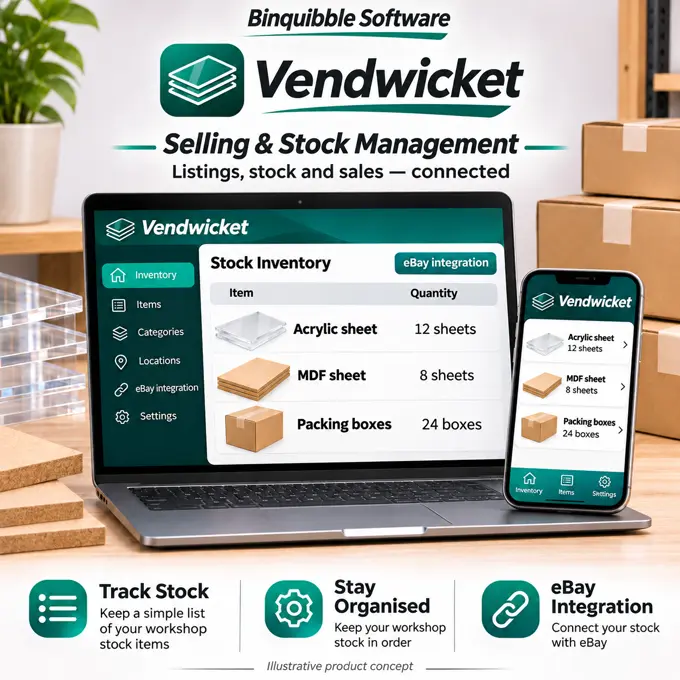
Manage selling and stock, with eBay integration.
View productBINQUIBBLE SOFTWARE · PRACTICAL APPS
Practical tools.
Everyday control.
Explore tools for online selling, food stock and repeat production settings. Choose a product to find out more.
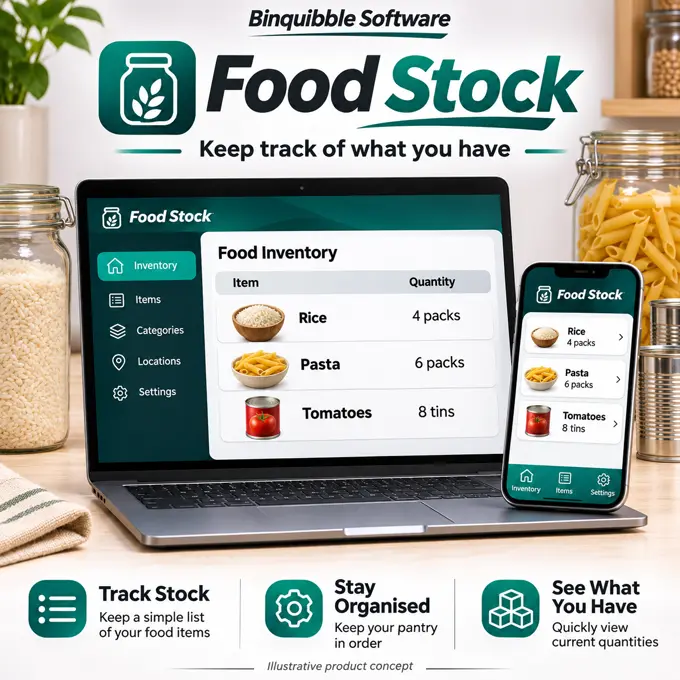
Keep track of food stock in one place.
View product03 / MATERIAL & OPERATION SETTINGS
RepeatRight
Material SettingsEXAMPLE
A saved material setup
SettingExample
MaterialMDF · 3 mm
MachineCO₂ laser
EngraveSeparate saved settings
CutSeparate saved settings
Save material details and engrave or cut settings, ready for the next job.
View productHow to save laser settings for repeat jobs
Follow an engraved-tag repeat order from saved setup to test piece.
Product availability varies. Contact Binquibble Software for details.