LASER ENGRAVING & CUTTING SETTINGS
Your settings,
ready for the
next job.
RepeatRight — Save It. Sync It. Repeat It.
Save laser job setups for repeat orders. Keep material, machine, speed and power settings together so you can use them again.
Laser types: Diode, CO₂, Standard Fibre (Fiber) and MOPA Fibre.
Private testing continues. Public purchases are not open.
Save your laser job settings
Keep the material name, thickness, dimensions and notes alongside its operation settings.
Keep engraving and cutting settings separate
Save engrave and cut values independently for the selected machine and material.
Pick up on another device
Save job setups locally and press Sync when you want to bring them to another registered device. Compare changed copies if a conflict needs review.
Inside RepeatRight
- Account & sync
- Material Settings Library
- Machine-specific Cut Settings
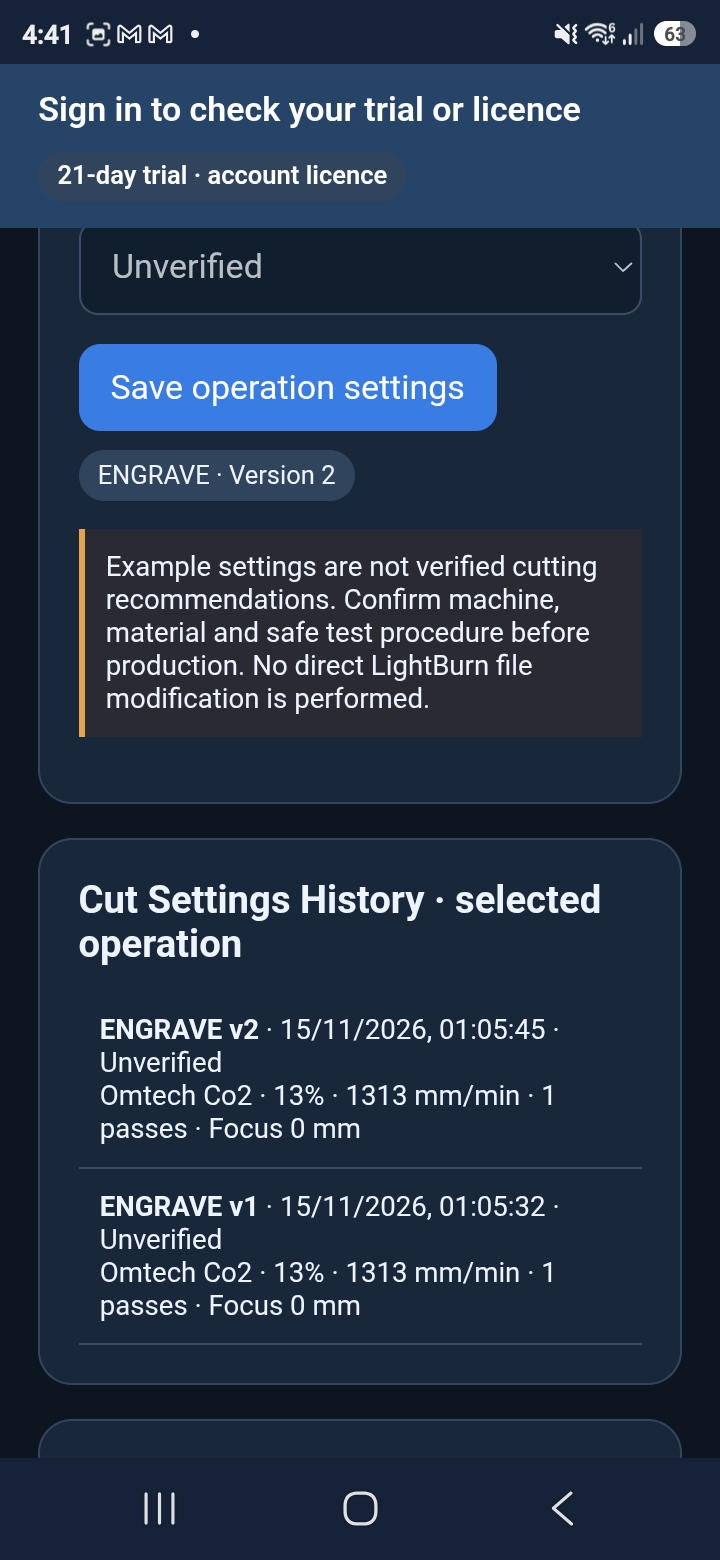
- Cut Settings History · selected operation
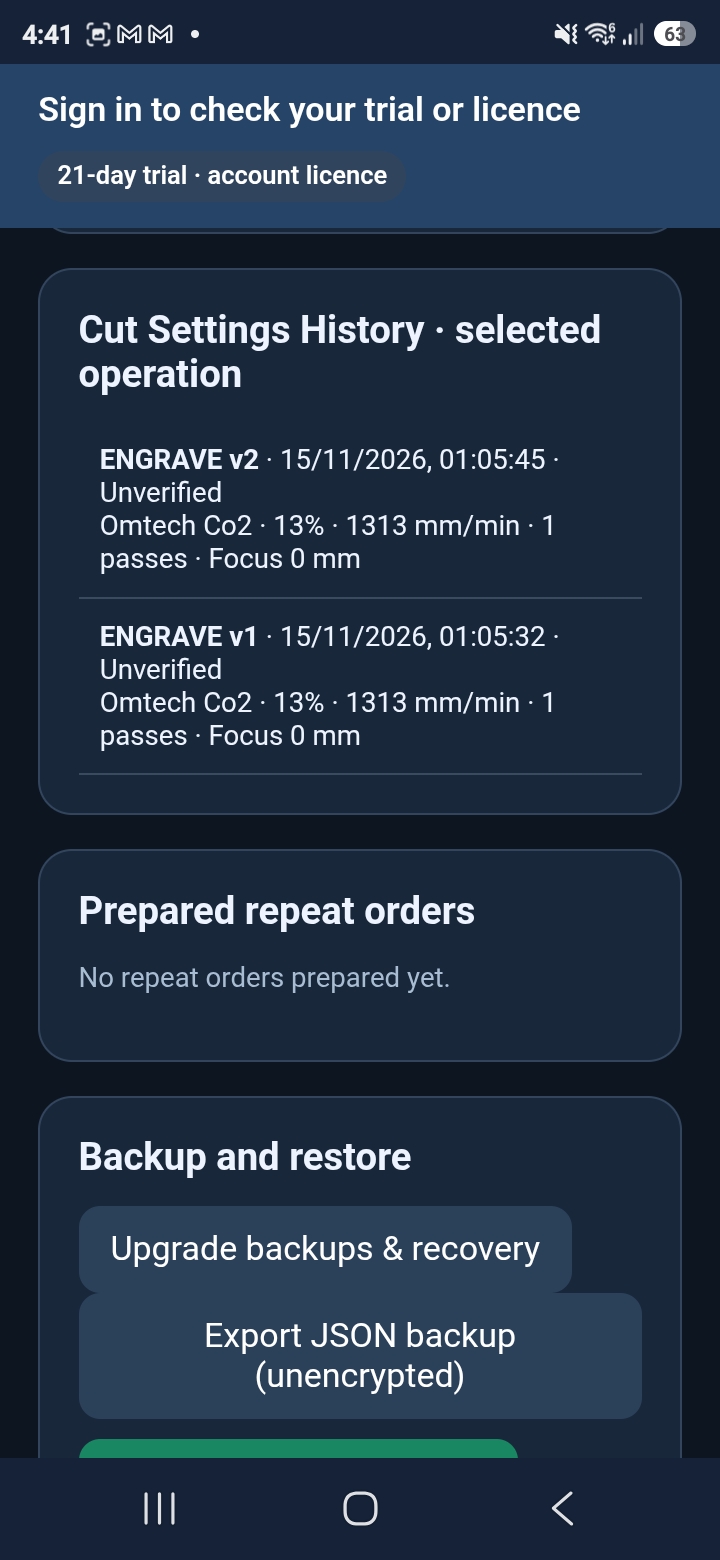
- Prepared repeat orders
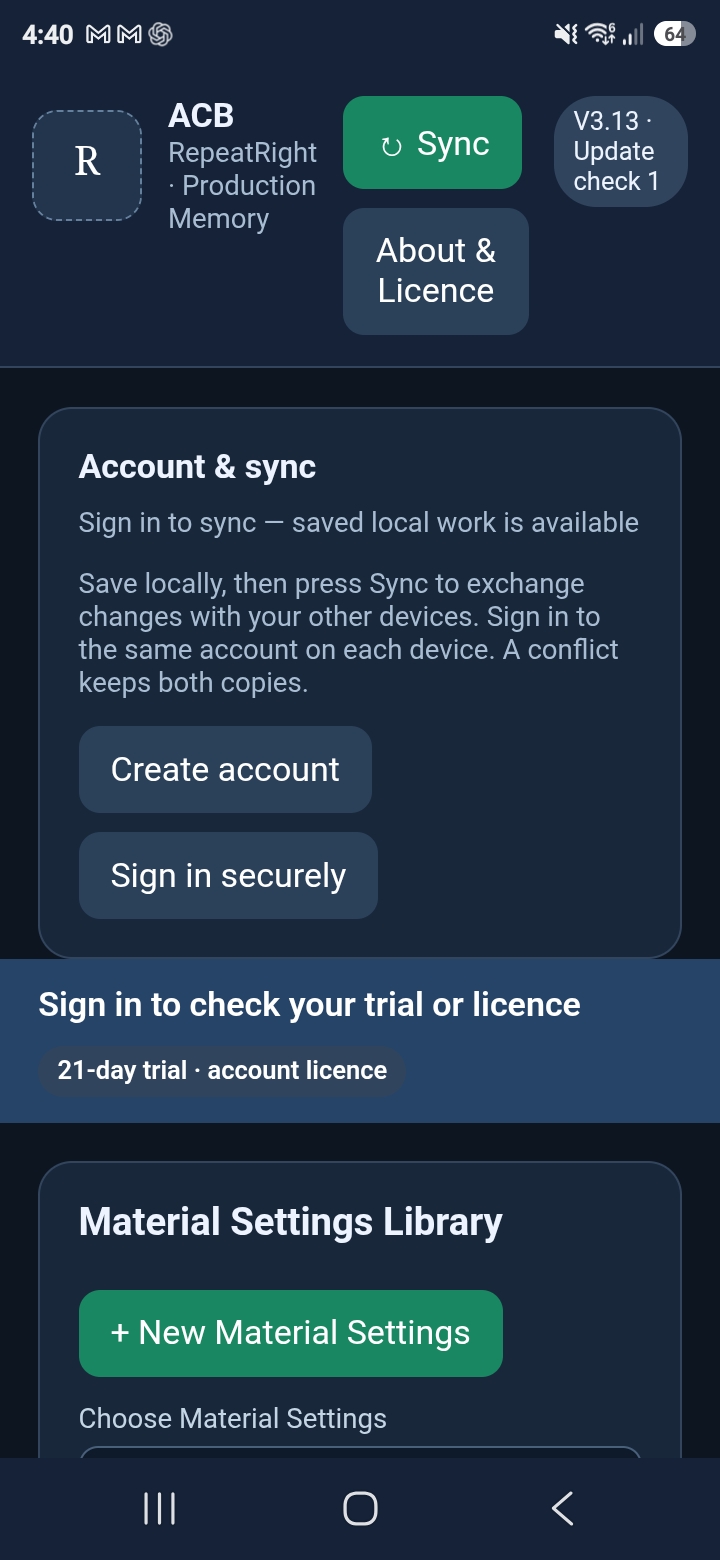
Account & sync
Save work locally, then use Sync to send changes between devices signed in to the same account.
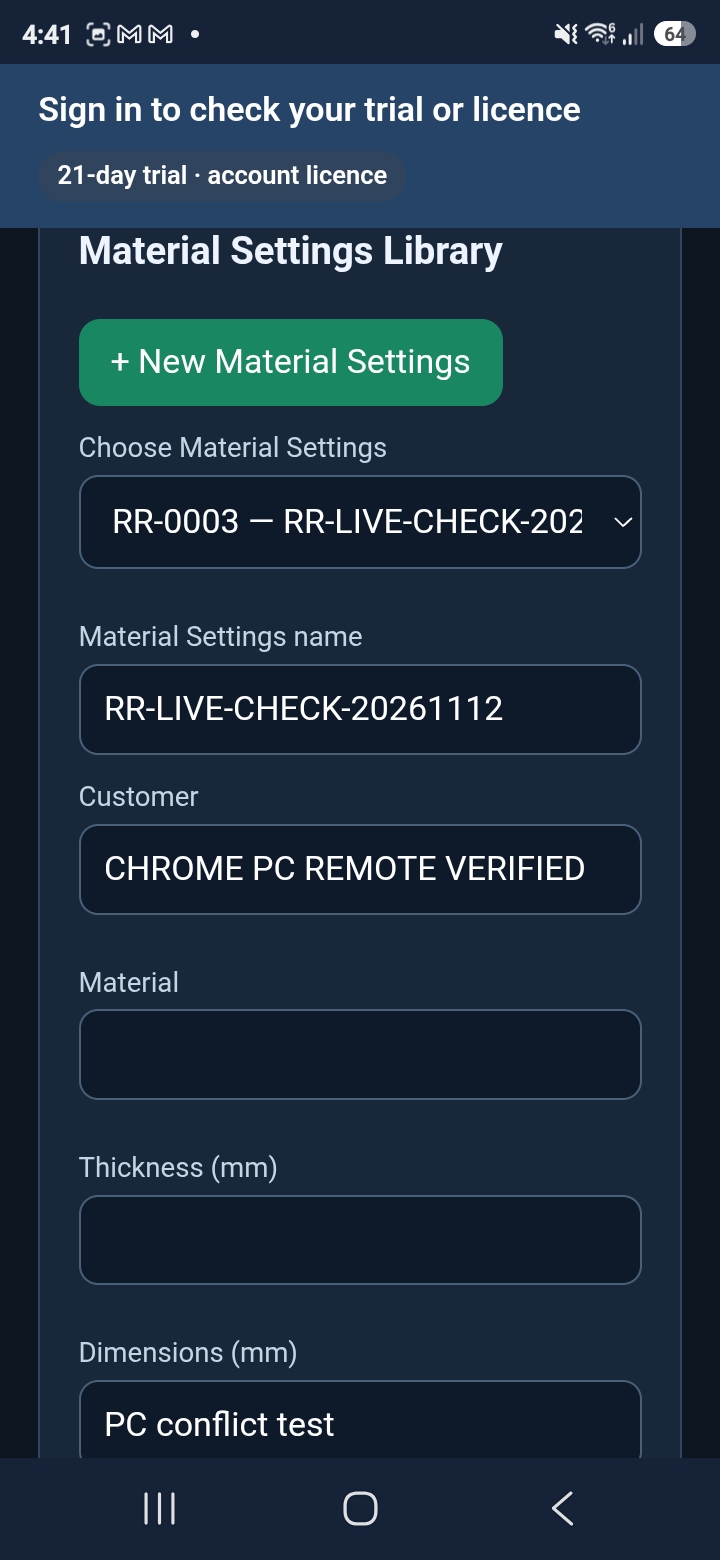
Material Settings Library
Find a saved setup and keep its material details, dimensions and notes together.
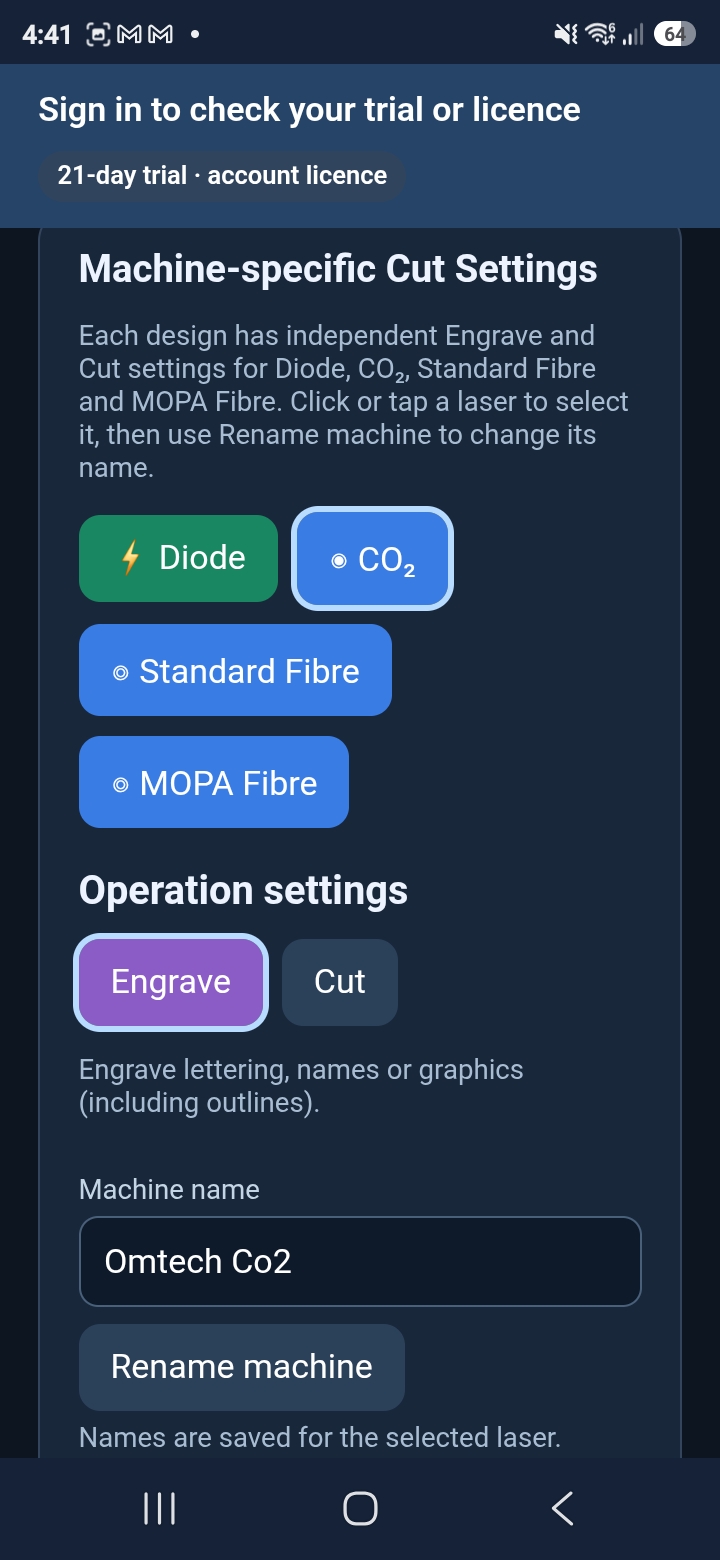
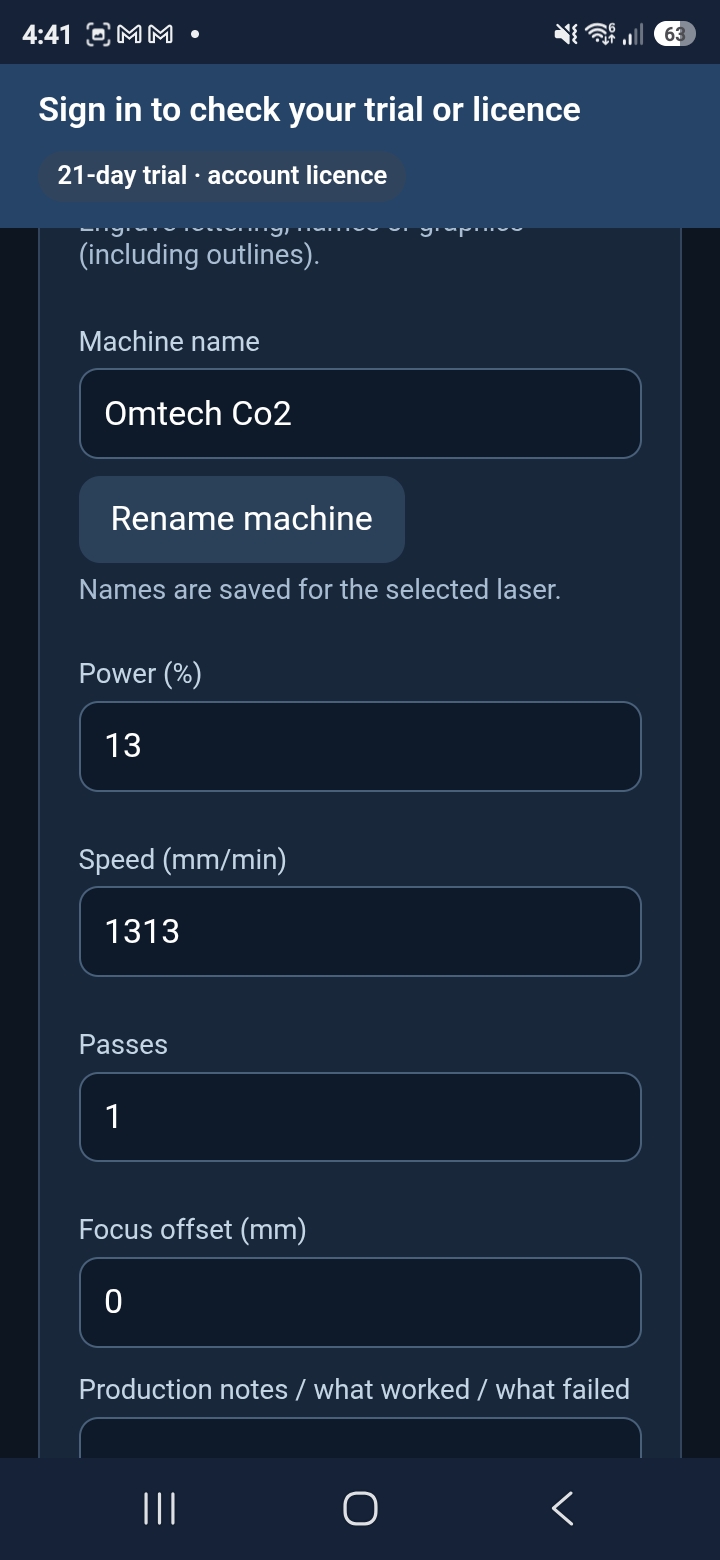
Machine-specific Cut Settings
Choose a laser, then keep the Engrave and Cut settings for that machine separate.
Cut Settings History · selected operation
Review earlier saved versions for the operation you have selected.
Prepared repeat orders
Check which repeat orders have been prepared. The supplied screenshot shows this list before any orders have been prepared.
QUESTIONS OR SUPPORT